Articles in category: Magento 2, an eCommerce platform
January 10, 2020

Introduction It is highly recommended that after the development team has sent a lot of updates to the Magento store for production, it is highly important to check all the significant functionalities that affect sales. This must be done after you have done a large job on a site that affects many parts of the system.
November 19, 2019
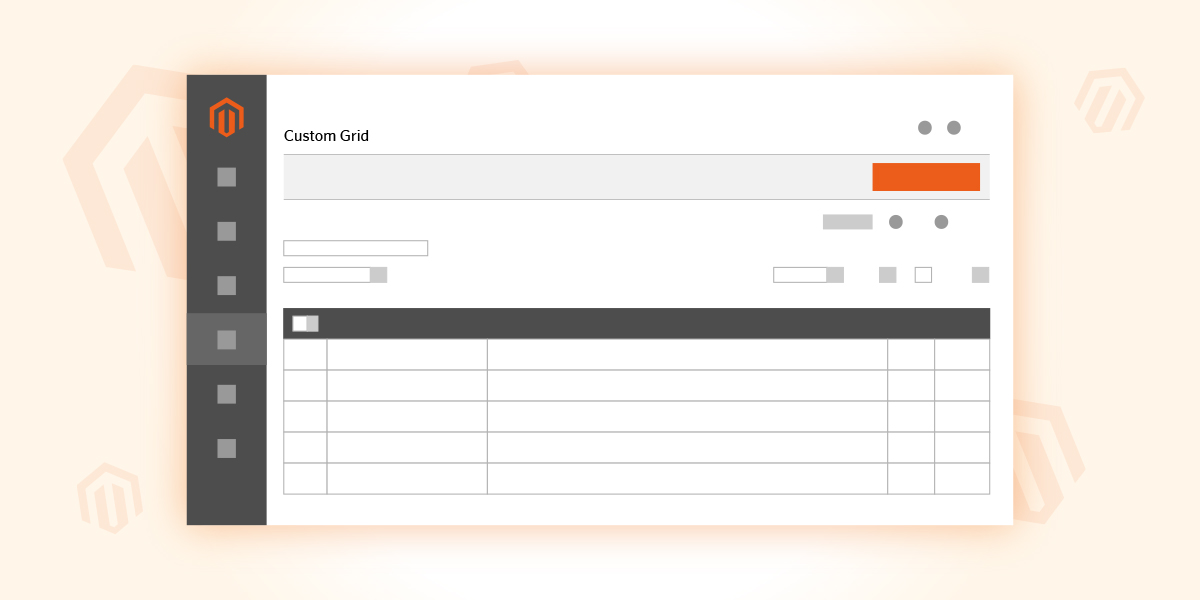
In this article, we will show you how to create a custom Magento 2 Admin Grid. Magento 2 Grid is a visualization of your custom database table. The grid can contain options like a filter, sort, actions over multiple rows, etc. We will use a custom form to add data to our database table.
Magento 1 to Magento 2 Migration
Category: Magento-2November 13, 2019

By now, it is widely known that in June 2020 Magento 1 will reach ‘End of Life’. It seems like there is a lot of time ahead until this happens, but it is never too early to start the migration from Magento 1 to Magento 2 platform. In order to properly migrate from one platform to another, a good strategy is simply a must. Of course, the strategy should consist of a series of carefully thought out steps.
November 07, 2019
To work with JavaScript, Magento 2 uses the RequireJS library. It is a module loader that implements the Asynchronous Module Definition (AMD) standard for JavaScript modules. Thanks to this library, the problem of page load speed and organizing JavaScript files is solved, and the files are loaded asynchronously.
November 01, 2019

The Features - Our Top 10 List Magento 2 Commerce is extremely rich with features, and many of them are available exclusively within this eCommerce platform.
October 24, 2019

What is Web API? According to Wikipedia, an API (Application Programming Interface) is a set of definitions of routines, protocols, and tools for building software and applications.
October 16, 2019

Overview In this guide, I will show you how to set up a complete scalable solution for a Magento 2 website on Ubuntu 16.04.